I Tried Running a Local LLM on My Android. Here's What I Found.
Llama.cpp was unusable. Google AI Edge Gallery was surprisingly good. And now I know exactly why — and what to build next.
i wanted to run Gemma 4 locally on my phone and connect it to openclaw via termux. simple idea. messy execution. but i learned a lot.
Why Even Try This
Google just dropped the 2B parameter variant of Gemma 4. small model, runs on-device — i was curious if i could deploy it on my phone and use it directly inside openclaw via termux. no API calls. no internet dependency. just a model running on the phone, serving responses locally.
First Attempt: Llama.cpp
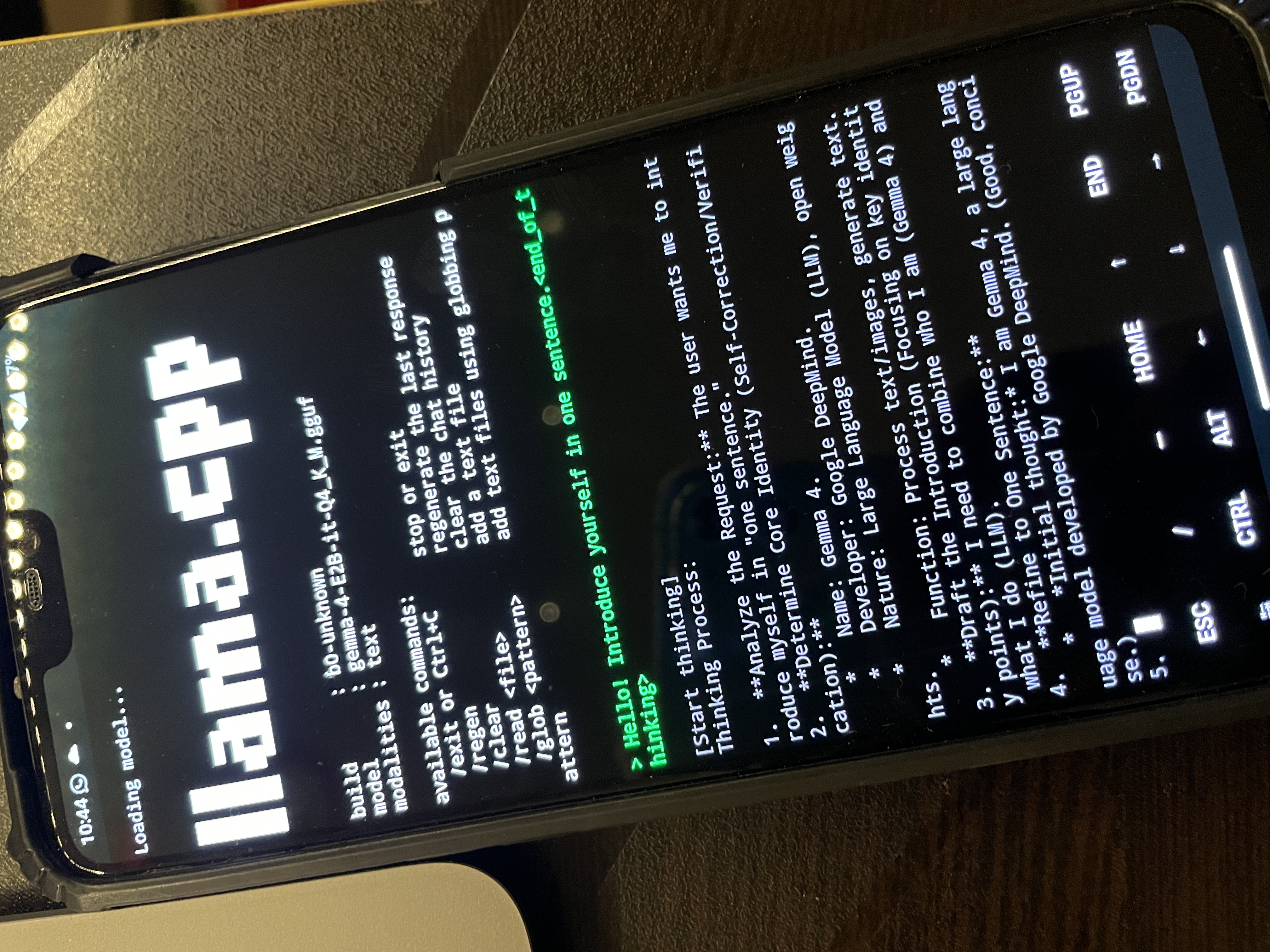
Llama.cpp is the obvious choice. it's the go-to for running LLMs locally, works on ARM, and has Android support. i set it up inside termux, pulled the Gemma 4 2B GGUF weights, and fired it up.
it worked. technically. but it was so slow it was completely unusable. we're talking 30+ seconds per token. you'd type a message and just... wait. not a tool you can actually use.
Second Attempt: Google AI Edge Gallery
then i tried Google's own AI Edge Gallery app — an experimental Android app from Google that lets you run on-device models. same Gemma 4 2B model. totally different experience.
it was fast. actually usable. responses were coming in at a reasonable speed — nowhere near a cloud API, but good enough to genuinely interact with. the gap between the two was significant. not a small difference — a completely different class of usability.

Why Such a Big Difference
i dug into this. turns out Edge Gallery uses Google's own runtime SDK — LiteRT-LM (formerly TensorFlow Lite) — to run the model. LiteRT-LM uses both CPU and GPU on the device. it's optimized specifically for Android hardware, knows how to schedule across cores, uses GPU delegates where it helps, and generally extracts a lot more performance out of the same chip. Llama.cpp is great on desktop/server ARM but its Android GPU path is limited. it mostly runs on CPU, and on a mobile Snapdragon thats a bottleneck.
same model. same phone. completely different runtime. that's the whole story.
The Problem
so Edge Gallery runs great, but its a closed app — i can't expose an API from it. i cant call it from termux. it's just a UI. Llama.cpp can run in termux and serve an API, but the performance is terrible. theres no way to use the LiteRT-LM runtime directly inside termux. its an Android SDK, not a CLI tool.
What I'm Building Next
so here's the plan.
Setup here: github.com/Mohd-Mursaleen/openclaw-android
i'll build a small Android app that:
- uses the LiteRT-LM SDK to load and run Gemma 4 on-device
- exposes the model over a local HTTP server on a port (something like
localhost:8080) - serves a simple completions API
basically — a LiteRT server.
then from termux, i just hit that local API endpoint. same way you'd call any OpenAI-compatible server, just pointed at localhost.
this gives me:
- fast on-device inference (LiteRT performance)
- accessible from termux and openclaw
- no internet, no API costs, fully local
it's one app away from having a proper local LLM setup on Android that's actually usable.
building this next.