How I Took a Local OCR Pipeline From 60% to 99% Accuracy
One stubborn handwritten code led us from prompt tweaks to a repeatable research loop—and took our local invoice OCR pipeline from 60% to 99% accuracy.
one faint blue handwritten code kept breaking an otherwise promising system.
we were building optical character recognition, or OCR: software that reads an invoice and turns it into fields our other systems can use. the job sounded simple—read the document, extract the details, add them to our index.
except invoices are not simple.
some are clean PDFs. some are photographed from an angle. some have blurry numbers, faint handwriting, and item codes that seem to change every time you look at them. when the result controls an invoice number, amount, tax value, or material code, one wrong character can make the entire record wrong.
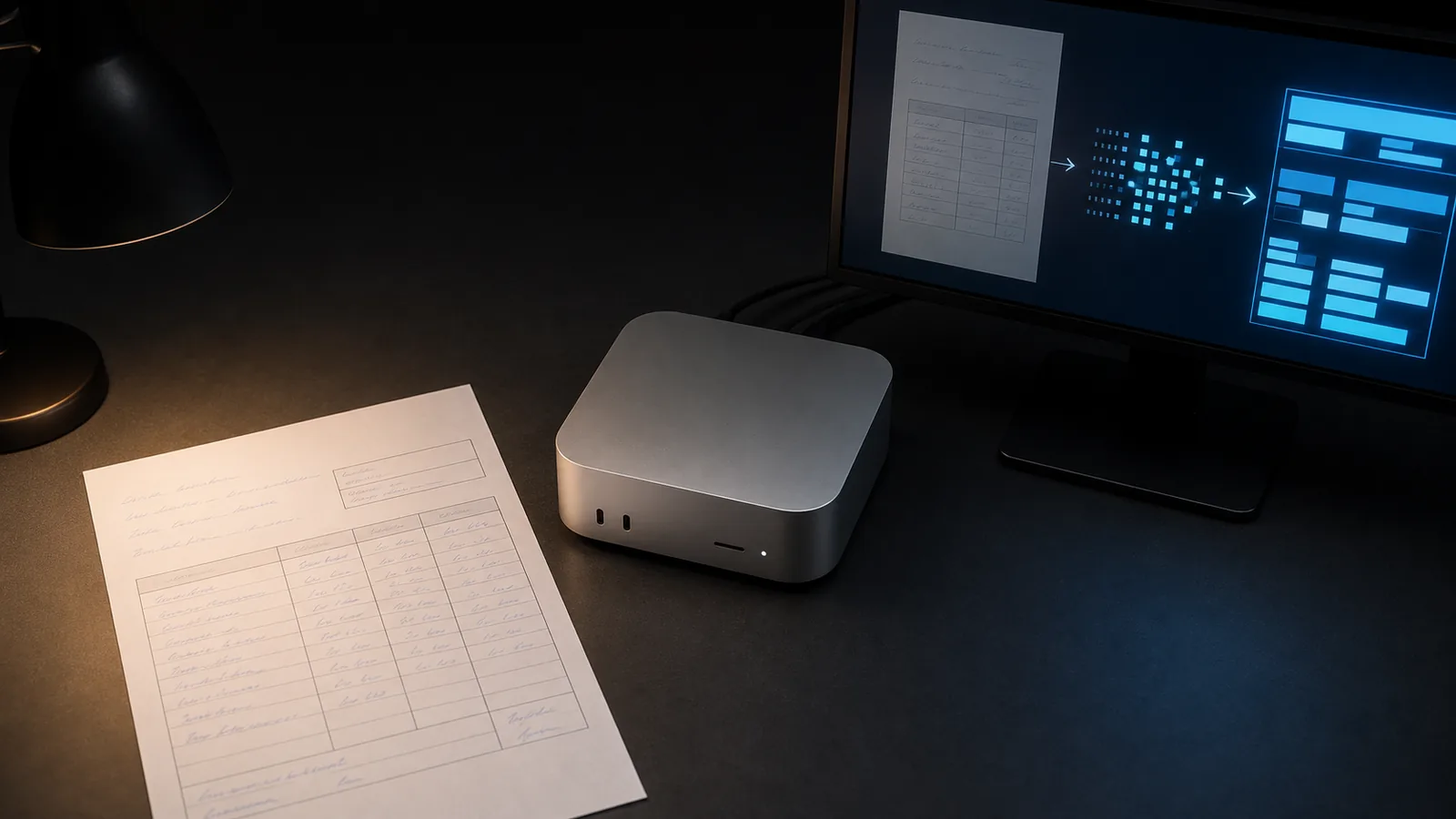
we needed the pipeline to run locally and be consistent. not “it got most of the page right.” the extracted data needed to be usable.
finding a local OCR model that could work
we started by trying a few local OCR and vision models. the goal was not to find the biggest benchmark number. it was to find something that could read our invoices reliably on the Mac Mini.
-
DeepSeek-OCR could understand parts of our documents, but it was not reliable enough on handwritten invoices. it would miss the exact number or code that mattered.
-
Baidu Unlimited-OCR looked promising, but its supported inference path depended on NVIDIA CUDA. that made it a poor fit for our Apple Silicon Mac Mini.
-
GLM-OCR ran locally through Ollama, so it became the model we could actually build around.
on our internal invoice test set, GLM-OCR gave us a starting point of around 60% accuracy. it could read a lot, but the difficult documents still lost line items, mixed up seller and buyer fields, repeated JSON, or broke a number while formatting it.
small prompt changes could help — or hurt
after reaching the 60% baseline, small prompt and inference-setting changes could fix minor formatting issues. a stronger field rule, a different temperature, or an output setting could improve an individual result.
but they did not move in one direction. a change that improved one invoice could reduce accuracy on another. a setting that helped a handwritten field could also make the model repeat JSON or change the way it formatted a number.
that is when i remembered Andrej Karpathy's autoresearch.
the idea is simple:
- keep the test inputs and score fixed
- change one thing at a time
- run the test automatically
- keep and commit an improvement
- revert a regression, then repeat
we adapted that loop for OCR.
the auto-improvement loop
we gave the automated loop the same invoices, hand-verified ground truth, and scoring rules for every test. it changed one controlled variable, ran GLM-OCR, scored the output, then committed or reverted the change.
Loading diagram…
the code tested prompt field rules, schema order, output limits, repetition sensitivity, and parser handling.
- increasing
repeat_penaltyfrom1.2to1.4did not solve repeated JSON. it made the output worse, so the loop reverted it. - moving
line_itemsearlier in the schema made the model return line items on the hardest document. - removing a literal few-shot item-code example stopped the model from copying it into unrelated invoices.
- extracting the first complete JSON object and normalising comma-grouped numbers fixed failures that did not need another prompt.
Result after the improvement loop: 90% accuracy.
The prompt, schema, and parser loop had done its job. Now the remaining problem was visual.
the model was still struggling with faint blue pen handwriting. on the hardest invoice, it read the nearby HSN code instead of the handwritten material code.
then we tested image filters
the prompt was no longer the main problem. the model needed a clearer image.
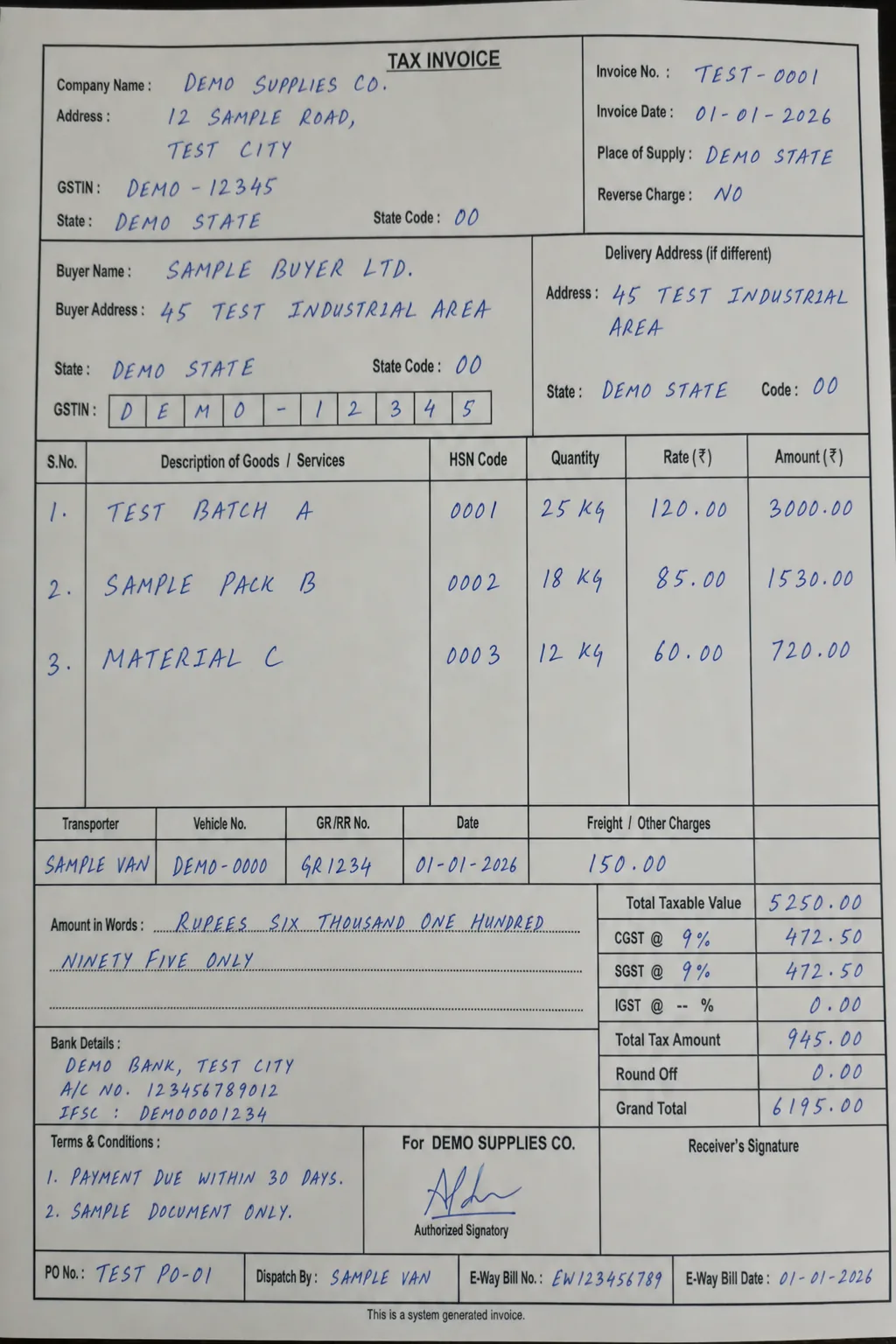
we kept the model, prompt, and generation settings unchanged. then we tested image filters, one at a time. every filter had to improve the hard handwritten invoice without breaking a clean control invoice.
Loading diagram…
the results were straightforward:
- red-channel grayscale made blue ink more visible, but moved a decimal on the control invoice.
- CLAHE local contrast recovered the material code, but broke JSON parsing on the clean invoice.
- saturation boost recovered the code, but caused another decimal regression.
- sharpening did not recover the code and dropped a decimal.
- combo filter — red-channel extraction → autocontrast → light unsharp mask — recovered the difficult code and kept the clean invoice correct.
the combo filter became the default preprocessing step:
invoice image
  → red-channel extraction
    → autocontrast
      → light unsharp mask
        → GLM-OCR
          → structured data in the index
that final filter loop took the pipeline from roughly 90% to 99% accuracy on our internal test set. it was ready to run reliably in the pipeline.
the useful part was the loop
the important moment was not finding one perfect prompt or one magic filter. it was remembering the autoresearch approach and applying it to a completely different problem.
change one thing. test the same inputs. measure it. keep it only if it helps.
it is good to know how things work, so that you can use them in other things.